

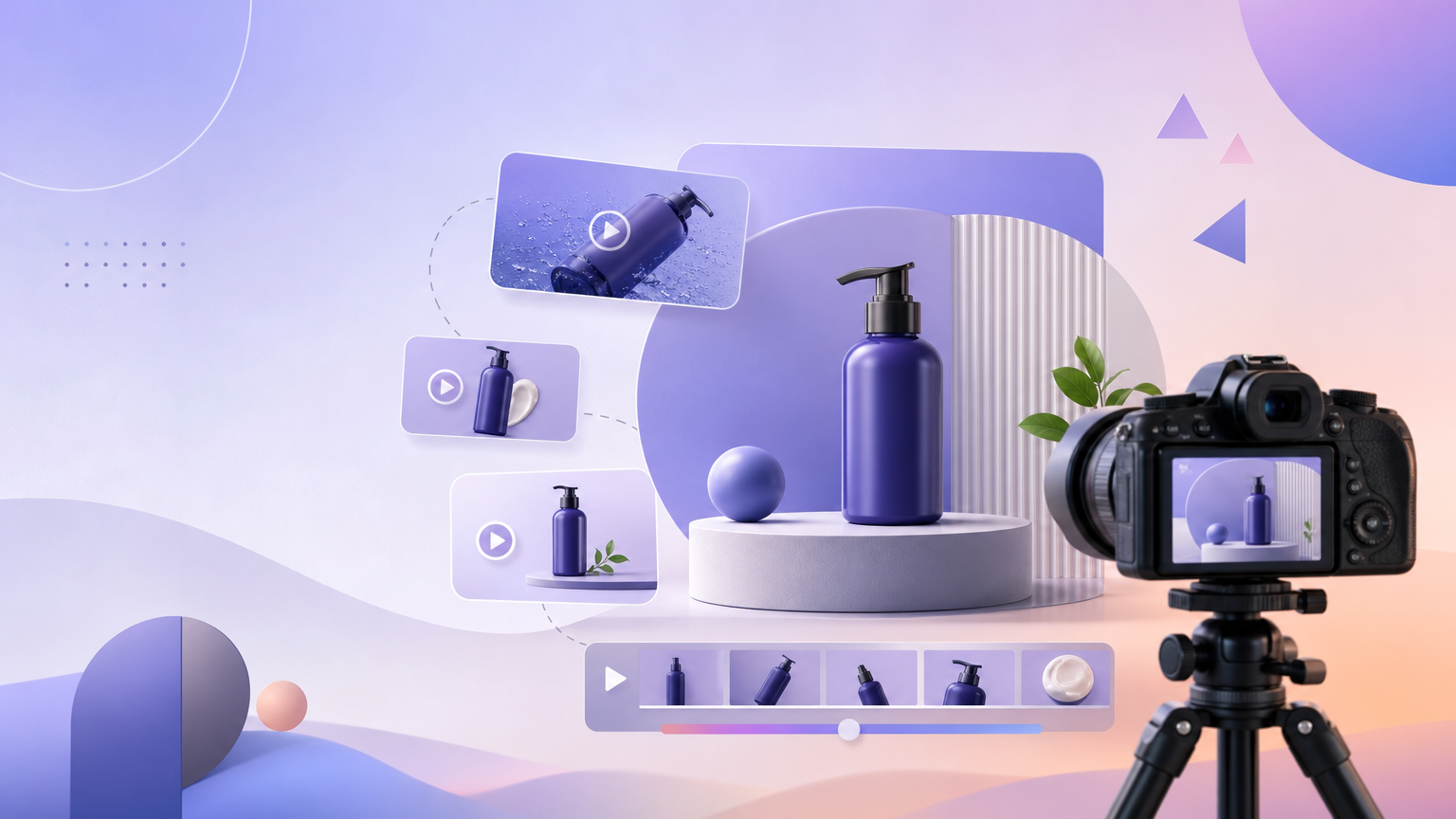
When the brief is “show the product clearly and demonstrate how it is used,” use the TVC path on Trending Videos. On the English UI, TVC is labeled for multi-angle display plus usage demonstration—the right fit for polished product showcase ads rather than raw creator confessionals.
When to choose TVC
Pick TVC when your media plan needs:
- Catalog-quality product beauty shots inside a short motion ad.
- Hands-on usage beats (apply, pour, assemble, wear) that prove how the SKU works.
- Brand-forward pacing instead of handheld UGC energy.
If you need parcel reaction content, switch to Unboxing & Haul. If the story is problem → solution, use Pain Point Resolution. If you want peer-style talk-to-camera energy, use UGC Seeding.
Step-by-step showcase run
- Open Trending Videos under AI video generation.
- Complete Upload or Select Product with a clean hero image. Include label readability if packaging claims matter on camera.
- Select Video Type → TVC. Confirm the right-side example card describes multi-angle display and usage demonstration.
- Set Country and Language for the market that will see the ad.
- Choose required Aspect Ratio (9:16 for vertical social; 16:9 or 1:1 when the placement demands it).
- Pick Model and Video Duration appropriate for the demo length you need.
- Enter optional Product Name and required Category.
- In Creative Requirements, list the demo sequence: opening hero angle → key feature close-up → usage steps → closing pack shot. Use AI Writing Assistant if you want a structured draft after Category is filled.
- Press Generate (sign in via Login / Sign up if prompted). Wait for completion, then open History to preview and Download.
Writing Creative Requirements for demos
Showcase briefs work best when they are visual and sequential:
- Name the surfaces or angles that must appear (front label, pump, shade window).
- Write usage as ordered steps a viewer can follow.
- Call out what not to invent (extra accessories not in the photo).
- Keep benefit claims aligned with what you can support in ads policy.
Quality check after Generate
- Does the product silhouette match the uploaded photo?
- Are usage beats understandable without sound?
- Does the aspect ratio match the placement you will upload to?
- If the vibe feels too “creator selfie,” you may have left another Video Type selected—switch back to TVC and regenerate.
Failure states
- Generate blocked — missing product image or Category.
- Demo skips the usage moment — spell the usage steps in Creative Requirements and regenerate.
- Wrong crop — fix Aspect Ratio before spending another run.
- Credits / login — complete Login / Sign up and confirm the cost on Generate.
After download
Rename the file with SKU, TVC, and aspect ratio before you hand it to media buying. If stakeholders want a softer creator tone later, keep this TVC file as the polished baseline and open a separate UGC Seeding run instead of overwriting the showcase brief. Reuse the same product photo so both styles stay visually consistent across all campaigns.
A successful showcase video looks like a compact TVC: recognizable product, clear multi-angle presence, and at least one believable usage demonstration—downloaded from History and ready for your ads manager.