

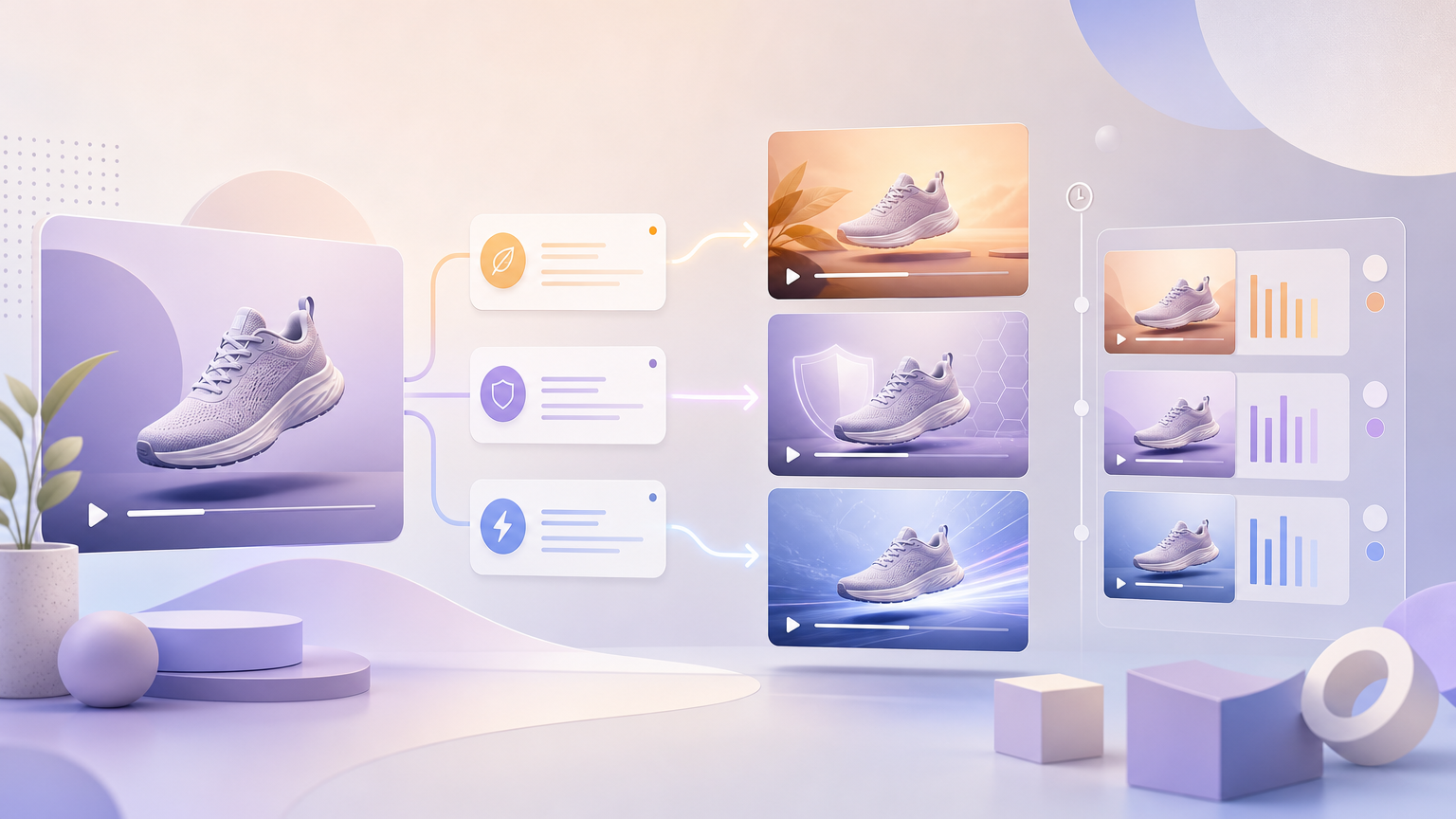
Catalog ads often need several message angles from the same hero shot: hydration vs fragrance vs value, speed vs durability, or shade range vs finish. On Trending Videos, build those variants by locking the product image and format controls, then rewriting Creative Requirements so each Generate run leads with a different selling point.
Plan one primary USP per run
List the claims you are allowed to make. Rank them. For each run, promote exactly one claim to “primary” and demote others to optional support. Crowding three equal USPs into one brief produces muddled voiceover and weak testing later.
Lock the product and format
Across the USP series, keep constant:
- Upload or Select Product image
- Product Name and required Category
- Video Type (unless a USP truly needs a different narrative shell)
- Country, Language, Aspect Ratio, Model, Video Duration
Changing format while you change message makes it hard to know whether performance differences came from the USP or the crop.
Rewrite Creative Requirements per USP
For each variant, structure Creative Requirements like this:
- Lead sentence: the single selling point in plain shopper language.
- Proof beat: what on the product or usage moment supports that point.
- Optional secondary line: one supporting benefit, clearly marked as secondary.
- Constraints: claims to avoid, competitors not to name, must-show pack details.
Example pattern (adapt to your category): “Primary message: all-day hydration for dry skin. Show application on cheeks. Do not claim clinical cure. Secondary: lightweight texture.”
Optional workflow: click AI Writing Assistant after Category is filled, then edit the draft so only one USP leads. Confirm into Creative Requirements before Generate.
Generate and label mentally in History
- Press Generate (complete Login / Sign up if required).
- When the job finishes, open History, preview, and note which USP that file represents (for example rename after Download with USP + date).
- Return to the form, replace the creative brief with the next USP, and generate again—do not overwrite your notes about prior runs.
When to also change Video Type
- USP is “solves X frustration” → Pain Point Resolution often fits.
- USP is “see every angle / how to use” → TVC.
- USP is “real people love unpacking this” → Unboxing & Haul or UGC Seeding.
If you change type and USP together, treat it as a new experiment family—not a pure USP A/B.
Failure states
- All variants sound the same — your creative requirements still list every benefit equally; cut to one lead claim.
- Generate blocked — recheck product image and Category.
- Assistant draft mixes USPs — manually delete secondary claims before confirming.
- Cannot find a variant — download promptly from History and rename files with the USP keyword.
Hand-off to ads
After you pick winners, download each USP file and name it with the claim keyword, ratio, and date. Keep losers in History until the test concludes so you can explain to stakeholders why a message was discarded. Do not merge two USP briefs into one regenerate hoping to “cover everything”—that undoes the point of variant testing.
Selling-point variants are a brief discipline: same photo, same format, new primary message in Creative Requirements, then Generate and compare clarity in History.