

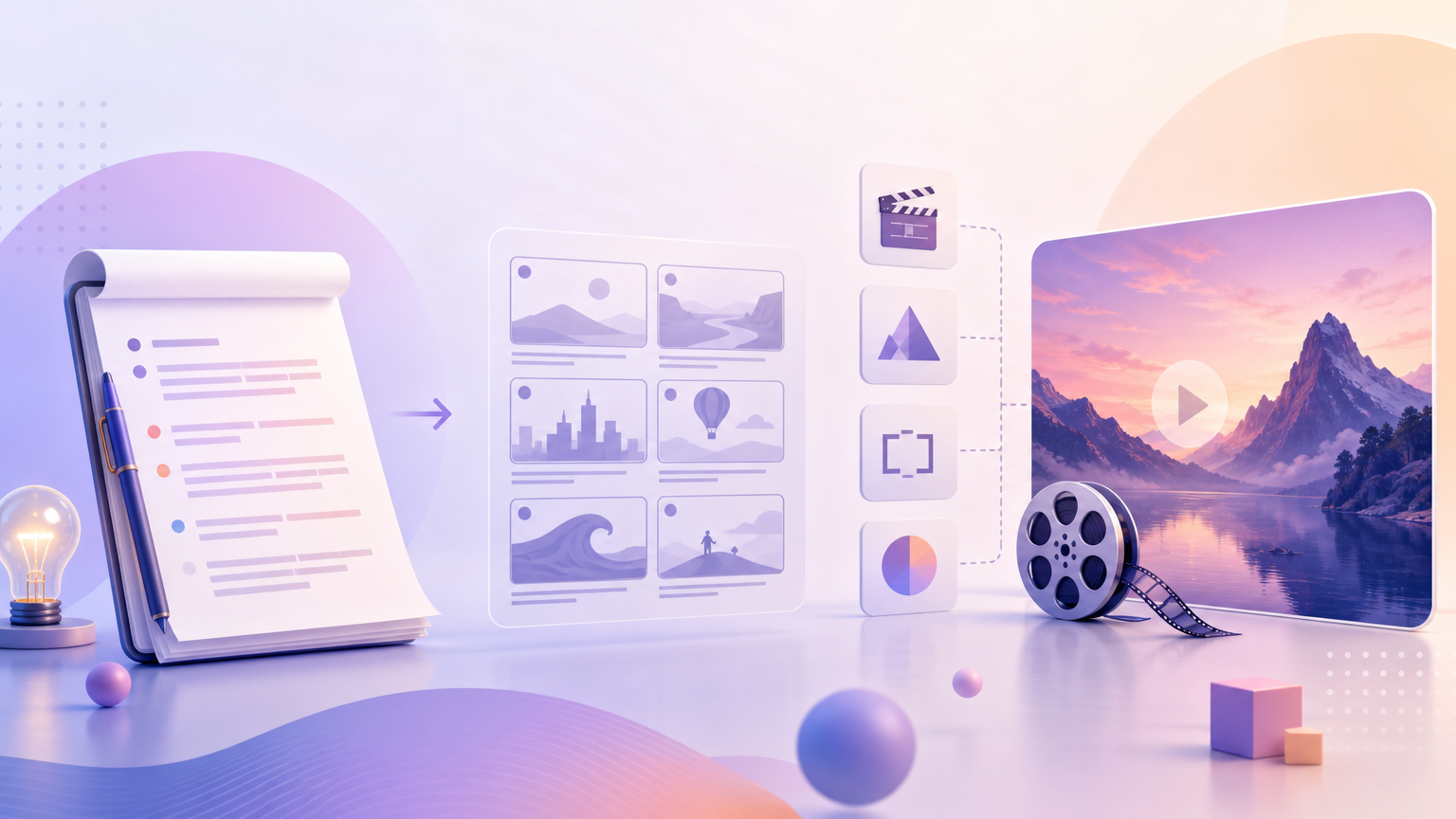
Rhinobird’s Trending Videos form does not include a separate storyboard uploader. You prepare script and shot intent in Creative Requirements, then let Generate run its processing stages (including script and storyboard generation internally). This article shows how to brief those stages so the finished video matches the story you planned.
Decide narrative shell first
Select Video Type before you write beats—the type defines the default story spine:
- UGC Seeding — user-perspective authentic share.
- TVC — multi-angle display and usage demonstration.
- Unboxing & Haul — unboxing through first impressions.
- Pain Point Resolution — pain-point hook and before/after comparison.
Also lock Aspect Ratio early (9:16, 1:1, or 16:9) so your “close-up” notes fit the frame you will actually deliver.
Collect facts before prose
- Hero product image ready for Upload or Select Product.
- Required Category and optional Product Name.
- Country and Language for the spoken/on-screen locale.
- Allowed claims list (and banned claims).
- Must-show pack details (logo side, shade name, applicator).
Write Creative Requirements as beats, not essays
Use a short beat sheet inside Creative Requirements:
- Opening (0–3s) — who/what appears; hook line or silent pack slam.
- Proof / usage — ordered actions the camera should show.
- Product identity — when the full pack or logo must read clearly.
- Close — final claim or pack-out.
Add storyboard-style constraints in plain language: “medium shot of hands applying product,” “cut to label close-up,” “no extra props not in the photo.” You are not uploading frames—you are specifying intent the generator should honor.
Optional assist
After the product image and Category are set, click AI Writing Assistant to draft a structured brief for the selected Video Type. Edit the draft into your beat order, remove unsupported claims, confirm into Creative Requirements, then set Model and Video Duration to fit how many beats you wrote.
Generate only when the brief is consistent
Checklist before Generate:
- Beats match the selected Video Type.
- Duration is long enough for the number of beats (do not demand a five-act story in a short clip).
- Category and photo agree.
- You are signed in or ready for Login / Sign up.
During processing, the UI progresses through stages such as reading image basics, generating the video script, generating storyboard, then generating the video. You do not upload intermediate boards—you wait, then review the finished file in History.
If the result ignores your beats
- Shorten the brief to fewer, clearer must-show shots.
- Move conflicting instructions out (for example do not request UGC selfie energy while TVC is selected).
- Regenerate with the revised Creative Requirements rather than heavy external editing.
Keep a reusable brief template
Save a text snippet outside Rhinobird with slots for opening, usage, pack identity, and close. Paste it into Creative Requirements for each new SKU, swap only the product-specific lines, and keep Video Type intentional. That habit cuts blank-page time and makes regenerate diffs obvious when you compare two History previews side by side.
Preparing script and storyboard requirements on this tool means writing a beat-oriented Creative Requirements brief aligned with Video Type and Aspect Ratio—then letting Generate produce the motion file you review in History.