

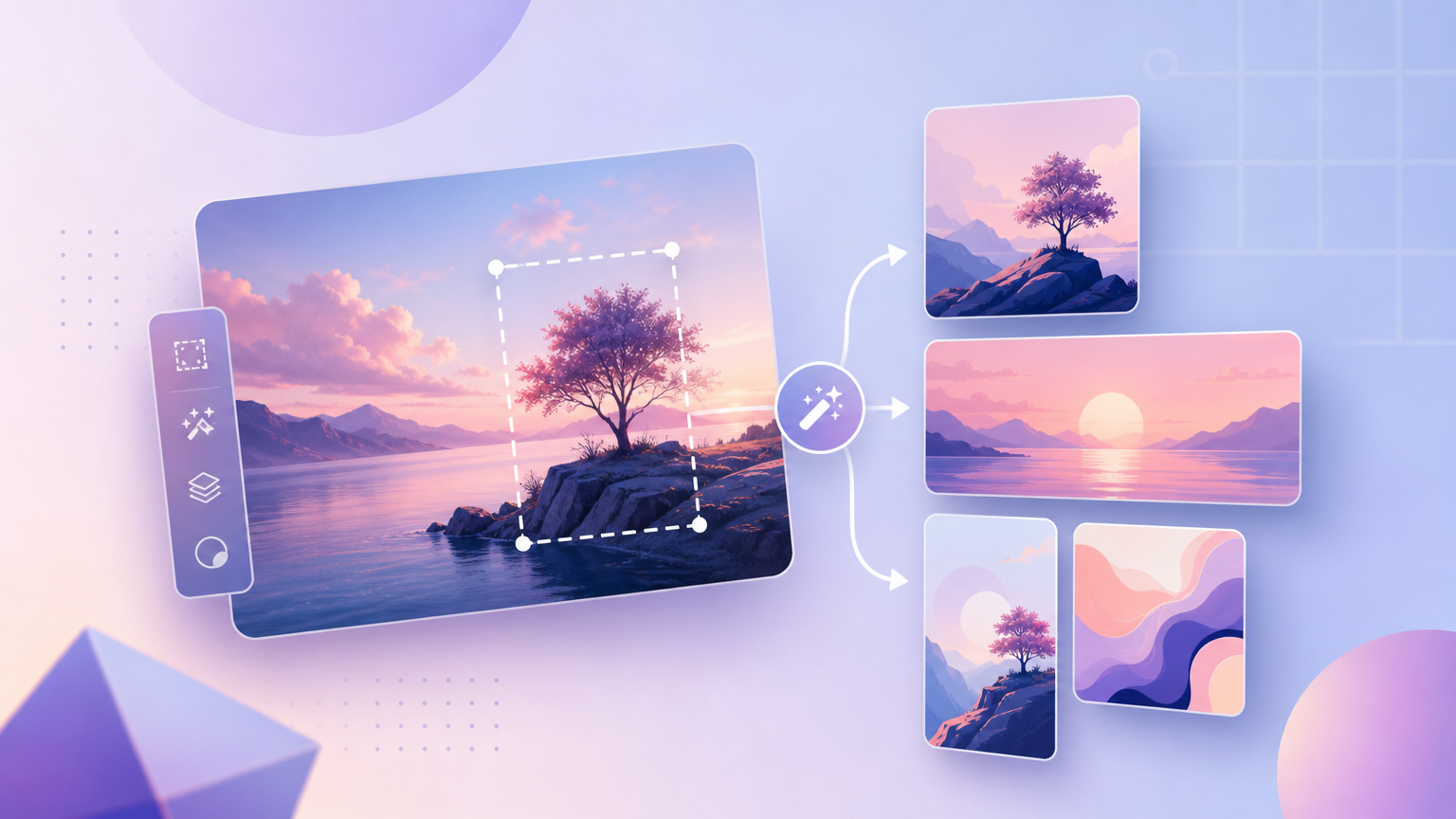
Teams often ask to “make our bottle look like this ad layout” without copying pixels illegally. On Rhinobird, recreation means translating composition and style into your owned product assets using Inspiration for ideas and Image Editor in AI Assistant for stills—plus video tools when the target is motion. This guide avoids inventing a separate “upload reference image for style” product surface; it sticks to verified Inspiration, image edit, and video generation paths.
Separate composition from style in your brief
Before any tool, split what you liked in a reference into two lists:
- Composition — product scale, placement (center vs rule-of-thirds), props, negative space, text zones.
- Style — lighting temperature, background gradient or lifestyle context, font mood (sans vs serif feel), color palette.
Write both as plain English instructions you can paste into chat or Creative Requirements. If the reference came from Inspiration in AI Assistant, note the case category chip (for example Skincare) so claims stay credible when you regenerate.
Study references in Inspiration
Open Inspiration and filter by category when possible. Preview cases that match your format intent—vertical hero, square pack shot, or carousel-friendly still. Capture screenshots internally for art direction discussions if policy allows; do not feed unauthorized third-party ads into upload fields as faux “product” files. Inspiration teaches structure; your warehouse photo remains the truth source.
Recreate stills in Image Editor
Open AI Assistant with the image edit skill. Start from a high-quality product photo you control—same SKU, accurate label, neutral crop. In chat, describe the composition and style lists explicitly, for example: “Keep label readable; soft window light from left; pale gradient background; product occupies lower two-thirds; leave top third empty for headline.” Iterate with regenerate prompts rather than one vague “make it premium.”
Compare outputs against your brief, not against the Inspiration preview pixel-for-pixel. Adjust wording when shadows hide packaging edges or when color drifts from brand guidelines. Download acceptable variants from the flow your workspace provides and send through your usual brand approval.
When the deliverable is video, not a still
Composition and style in motion require video tools. For narrative ads from one photo, open Trending Videos, set Aspect Ratio and Video Type, and encode visual mood in Creative Requirements (“minimal studio backdrop, slow push-in on label”). For pacing cloned from a clip you cleared, open Video Clone, supply Upload Product Image and Upload reference video, and use Aspect Ratio Auto when appropriate.
Image Editor does not replace reference video for beat-accurate edits; pick the medium that matches the asset you owe stakeholders.
Regenerate responsibly
Each regeneration may spend credits when tied to paid generation surfaces; chat-led image edits follow the product’s billing rules shown at action time. Keep version notes so you know which prompt produced approved stills. Pair still refreshes with updated video when the campaign uses both—hero image and video should show the same pack art.
Copyright and brand boundaries
Recreating “style” is not a license to reproduce logos, fonts, or trade dress from competitors. Describe generic design qualities instead of naming rival brands in prompts meant for publication. If uncertain, read Help Center guidance on copyright checks and authorization before ads go live.
Failure states
- Output ignores composition — shorten prompts; lead with placement and safe zones; fix source photo crop.
- Label illegible — upload a sharper product image; reduce stylization requests that smear text.
- Video looks unlike the still mood — copy successful still descriptors into Creative Requirements on Trending Videos.
- Blocked uploads — use owned media only; do not substitute competitor files as product uploads.
Faithful recreation on Rhinobird means your product photography plus explicit composition/style language—guided by Inspiration cases and executed in Image Editor or video Generate—not unverified duplicate-image tooling.