

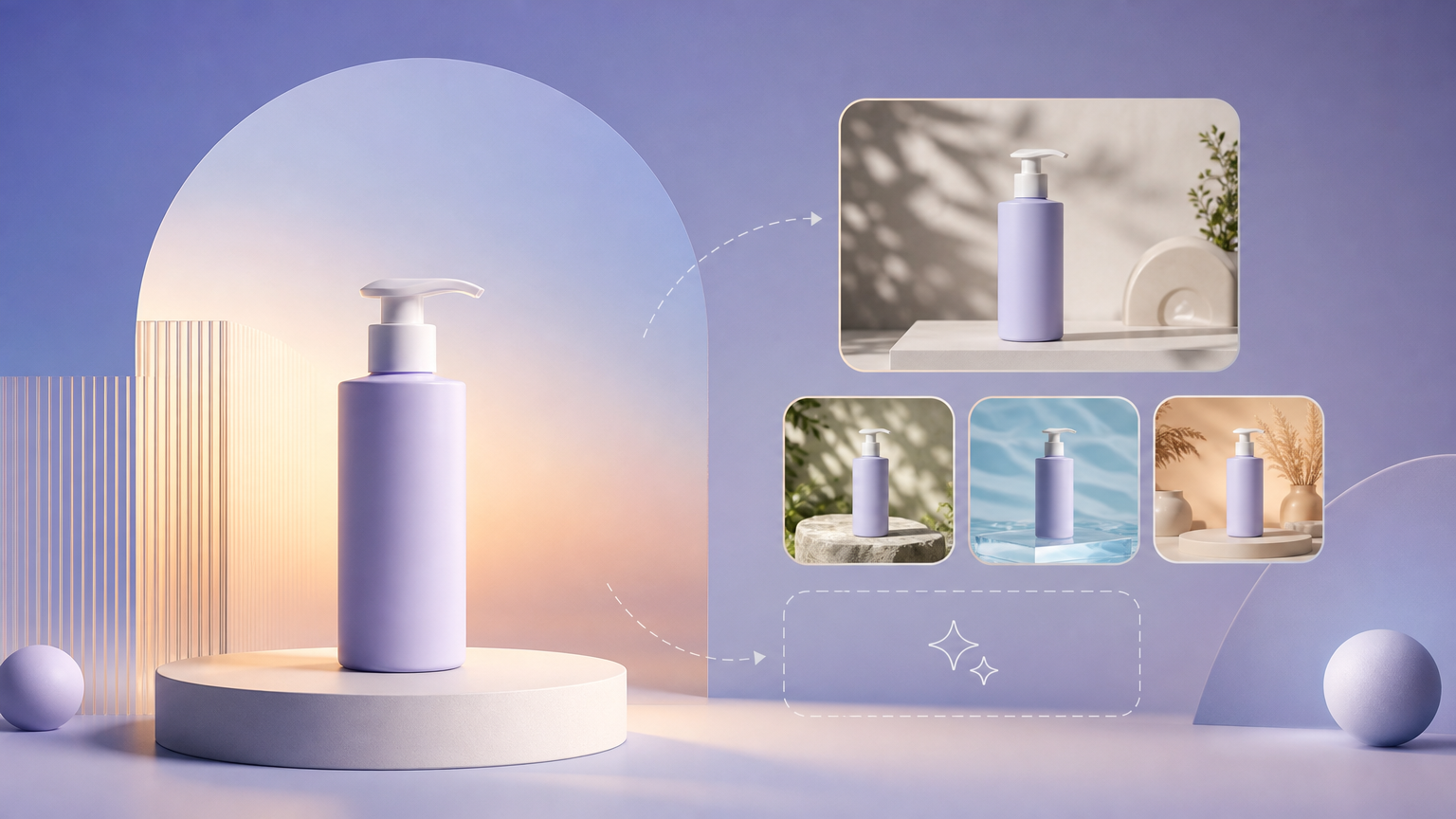
Studio packshots get listings approved, but lifestyle backgrounds drive clicks in prospecting ads. When you cannot fly every SKU to a styled set, Rhinobird’s Background Generation skill builds scene environments around your product inside Agent Chat. This how-to covers opening the skill, writing briefs that respect brand palette, pairing with clean cutouts, and downloading composites from History.
Open Background Generation
Start at Background Generation in Agent Chat. The skill name appears in the chat chrome so you know you are not in a generic assistant thread. If the session loads without the skill context, reopen the link or select Background Generation from the skill list.
Confirm Login / Sign up status before you expect credit-backed output. Background swaps are cheaper than reshooting but still consume credits shown on the skill action control.
Start from a strong product reference
Attach a product photo with accurate color and readable labels. Busy originals benefit from AI Background Removal first so the skill segments the subject cleanly. For reflective packaging, use even lighting in the source to reduce hallucinated glare in the new scene.
State non-negotiables in text: keep label facing camera, preserve shadow under the base, do not alter SKU color. Specific constraints reduce retouch loops.
Write a scene brief that merchandisers can approve
Describe environment type, time of day, props density, and color palette in plain language:
- Kitchen countertop — marble surface, morning window light, minimal props.
- Outdoor trail — muted earth tones, overcast soft light, no competing branded gear.
- Bathroom shelf — spa neutrals, shallow depth of field, no medical claims in scenery.
Match the brief to Category semantics you would use in AI E-commerce Image Sets so tone stays consistent across still batches and one-off background swaps.
Generate and review composition
Run the skill button after you attach imagery and send the brief. Wait for completion, then inspect:
- Horizon lines and perspective that do not tilt the product unnaturally.
- Prop clutter that hides mandatory regulatory text on labels.
- Color cast that shifts SKU hue away from your approved packshot.
Download approved frames from History. If the scene is close but not exact, iterate with a revised brief (“reduce props 50%”, “cooler color grade”) instead of abandoning the subject reference.
Fit channel rules
Marketplaces sometimes require pure white main images while ads allow lifestyle scenes. Generate separate outputs: a compliant showcase via image set tools, and lifestyle backgrounds via this skill for paid social. Never assume one background works for every placement without reading your channel spec sheet.
Pair with Model Handheld and Image Editor
When you need a human holder plus environment, generate the handheld creative with Model Handheld, then replace flat backgrounds here. For localized fixes—remove a stray prop, soften a highlight—use Image Editor natural-language edits on the composite.
Failure states
- Floating product — ask for contact shadow and ground plane in the brief; verify matting quality on the upload.
- Off-language signage in scene — specify “no readable text in background” if overlays conflict with locale.
- Login required — complete sign-in, rerun the skill without re-uploading if the session preserved attachments.
- Over-busy scene — shorten props list; regenerate with “minimal set dressing”.
Background Generation turns a isolated packshot into placement-ready lifestyle context when your brief names lighting, palette, and compliance boundaries—and when you validate downloads in History before bulk ad upload.