

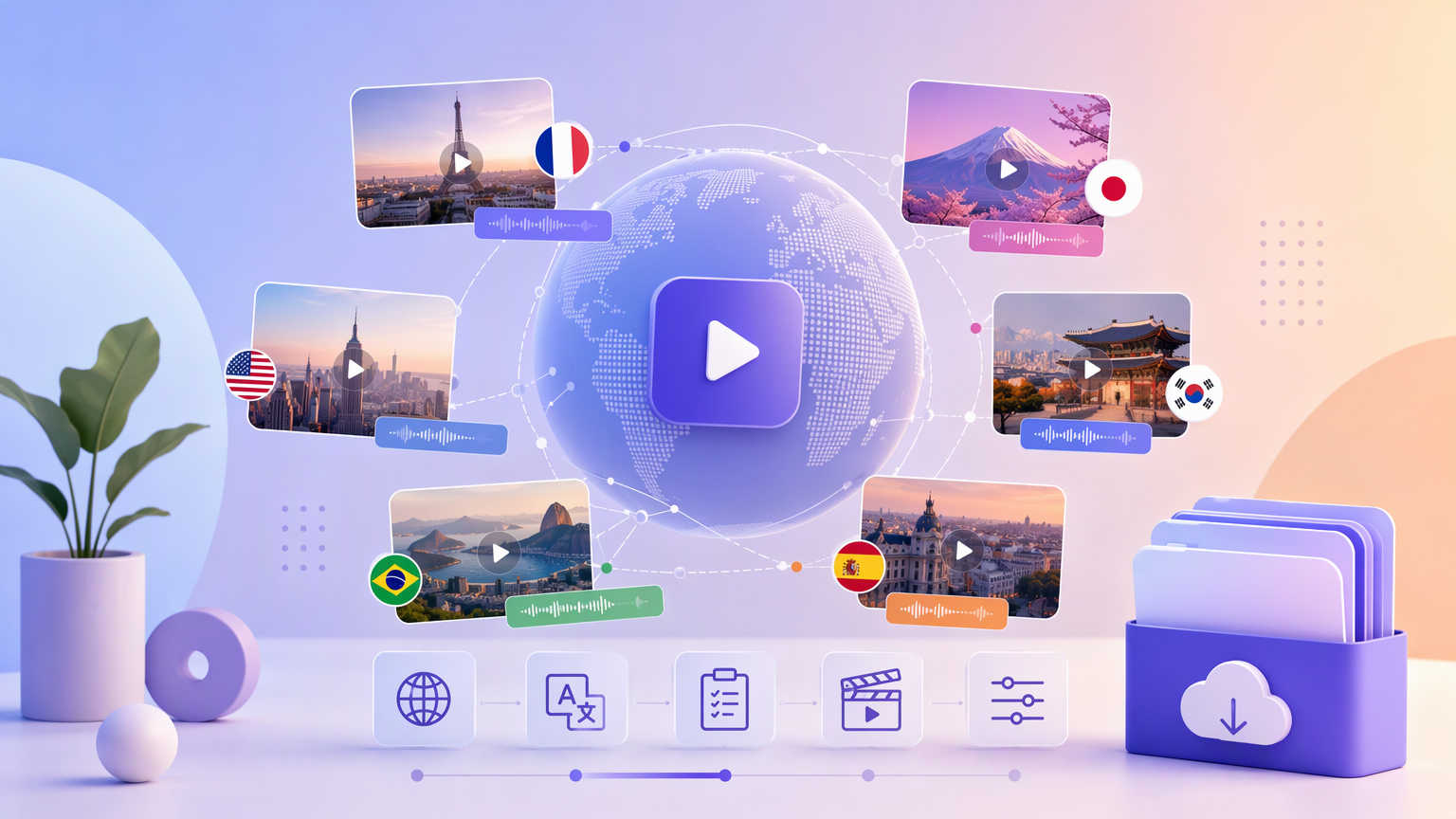
Launching the same product in more than one market means more than swapping subtitles—you need voice, setting cues, and claims appropriate to each locale. On AI video generation, Country and Language on Trending Videos steer generation toward a target market. This guide explains how to prepare UGC-style clips (and showcase-style TVC when needed) per country and language without mixing settings across jobs.
Understand what Country and Language do in the form
On the AI video generation heading, open the Trending Videos tab. Two fields work together:
- Country signals regional context—settings, cultural cues, and market-specific presentation tendencies the model may follow.
- Language signals the spoken and on-screen language you want for that job.
They do not replace your compliance review. They also do not auto-translate an old Creative Requirements block—you should rewrite directions when Language changes.
All other required inputs still apply: Upload or Select Product, Aspect Ratio, Model (Seedance 2.5, 2.0, 2.0 fast, 2.0 mini), Video Duration, and Category. Optional Product Name helps you track variants in History.
Plan one job per locale (recommended)
Treat each country and language pair as its own generation job. A common workflow:
- Lock product image and Category for the SKU.
- Choose Video Type—UGC Seeding (authentic user perspective) for creator-style markets, or TVC (multi-angle + usage demo) when a locale needs clearer product showcase.
- Set Country and Language for market A.
- Write Creative Requirements in the target language (or bilingual notes only if your team explicitly wants that—default to one language for clarity).
- Set Aspect Ratio and Video Duration for the placement in that market (vertical short-form vs horizontal site hero may differ by region).
- Click Generate; complete Login / Sign up if prompted.
- Download from History; label the file with country and language codes your team uses.
- Duplicate the configuration for market B: change Country, Language, and Creative Requirements; generate again.
Keeping jobs separate prevents accidental English audio on a Spanish Language setting because Creative Requirements were left unchanged.
Localize Creative Requirements, not just labels
Good localization adjusts:
- Idiom and greeting style appropriate to Language.
- Setting details plausible for Country (without stereotyping or mocking).
- Units and references your audience expects (metric vs imperial in spoken examples when relevant).
- Claims level—some markets allow stronger benefit language than others; human reviewers per region should approve text.
AI Writing Assistant can draft starting copy when Video Type, image, and Category are set. It uses Video Type for structure. After changing Language, run the assistant again or rewrite manually—do not reuse the previous locale paragraph untouched.
Choose Video Type per market strategy
Some regions respond better to UGC Seeding social proof; others need TVC clarity for premium or technical products. You may use UGC in one country and TVC in another for the same SKU—document why in your media plan so Creative Requirements differ intentionally.
Unboxing & Haul and Pain Point Resolution remain available if a locale’s funnel favors those narratives; Country and Language still must match each job.
Technical settings that travel with locale
Aspect Ratio may stay constant if all placements are the same app worldwide, or change if one market runs mostly horizontal display ads while another runs vertical reels.
Model choice affects render quality and speed, not language directly—pick per quality bar and budget, not per country unless you standardize tiers by region operationally.
Video Duration should fit local placement limits and reading speed in each Language—some languages need slightly more time for the same information; adjust duration and trim script together.
Quality checks before publish
Native or fluent reviewer listens for awkward AI phrasing, wrong accent cues, or mixed-language fragments.
Visual pass: packaging in the product image matches the market if labels are visible; if not, note in Creative Requirements that label should not be legible on camera.
Compare downloads side by side from History—audio language, pacing, and on-screen text should match the Country and Language on the form for that job.
Organize History outputs
History stores each generation separately. On your machine or DAM, use names like SKU-UGC-ES-MX-9x16 so media teams do not upload the wrong file to a geo-targeted campaign.
When regenerating, copy the exact Creative Requirements from your locale doc back into the form so drift does not creep in between versions.
When something looks wrong
Wrong language: verify Language field first, then rewrite Creative Requirements; regenerate.
Culturally off setting: add explicit but respectful setting notes; avoid vague “local vibe” instructions.
Generate blocked: confirm required fields and Login / Sign up; credit cost appears on Generate before commit.
Summary
Set Country and Language for each target market on Trending Videos, localize Creative Requirements (and AI Writing drafts), keep required product and format fields complete, generate per locale, and retrieve labeled files from History. That preparation keeps UGC and showcase videos aligned with each audience you serve.