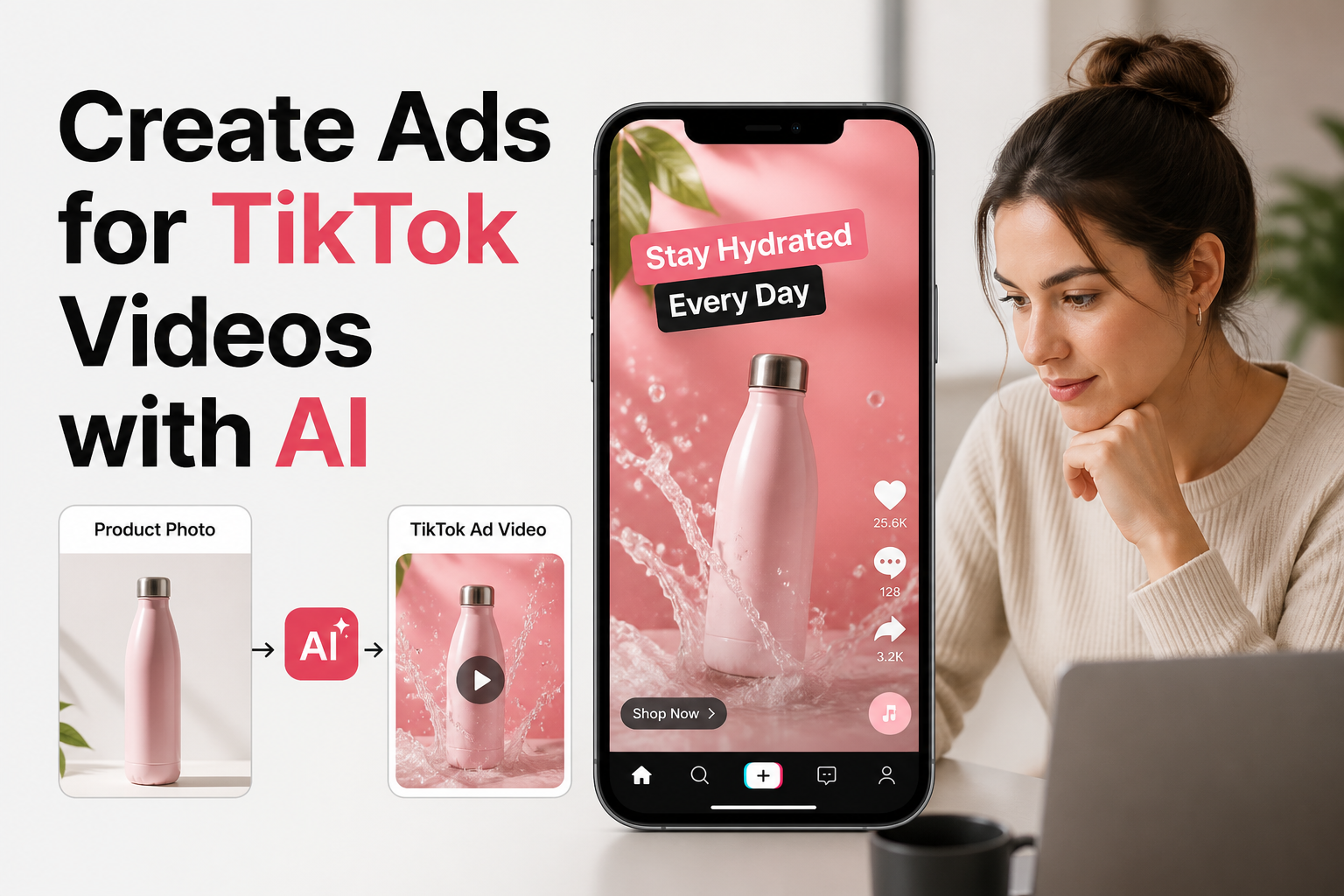
Scaling paid creative on TikTok is one of the most resource-intensive challenges facing e-commerce and direct-to-consumer (DTC) brands today. Unlike traditional social advertising platforms where a polished hero image or a single studio-produced commercial can run profitably for months, TikTok demands high creative volume and relentless variation. Ad fatigue often sets in within days, forcing growth teams, media buyers, and marketing managers into an endless cycle of scripting, filming, and editing.
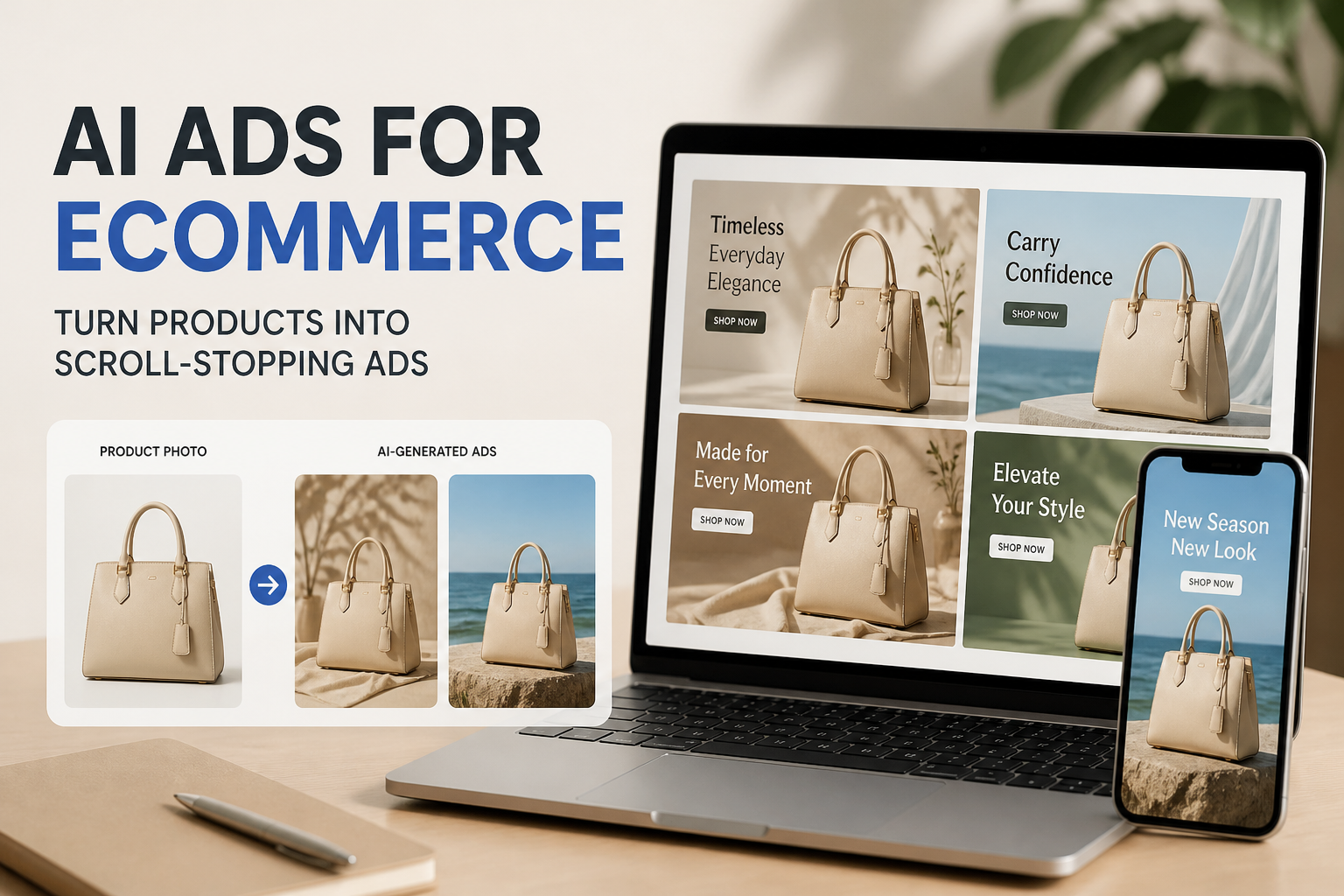
For lean creative teams, shooting net-new footage for every product drop or campaign iteration is neither cost-effective nor sustainable. Generative AI fundamentally shifts this dynamic by decoupling video production from expensive physical studio setups. By pairing structured creative briefs with AI-driven visual generation, brands can systematically transform existing packshots and still imagery into vertical video concepts ready for the TikTok feed.
The Anatomy of a TikTok Ad That Converts
Before launching an AI generator, creative teams must understand the visual and pacing norms native to TikTok. High-budget television commercials and rigid corporate collateral routinely underperform on the platform because they disrupt the organic feed experience. TikTok users actively reward authentic, relatable, and pace-driven content.
Successful paid TikTok creative generally relies on three core components:
- The 2-Second Hook: An immediate visual or textual pattern interrupt that halts the user’s thumb scroll. This could be a dramatic product reveal, an unexpected motion effect, or a bold lifestyle statement displayed over the visual.
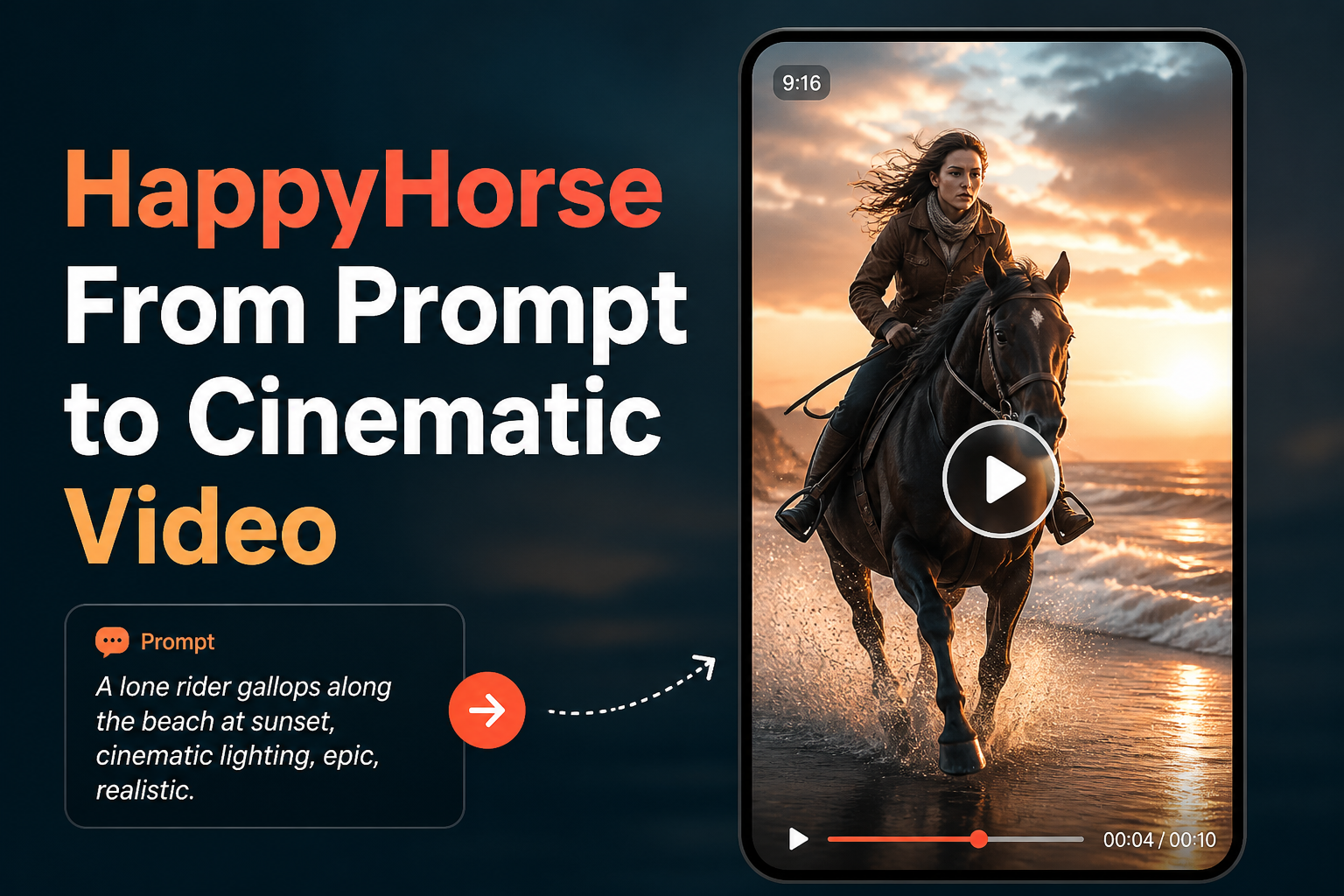
- Native Formatting: A strict 9:16 vertical aspect ratio with safe zones that account for platform UI elements, including captions, engagement buttons, sound identifiers, and the bottom call-to-action bar.
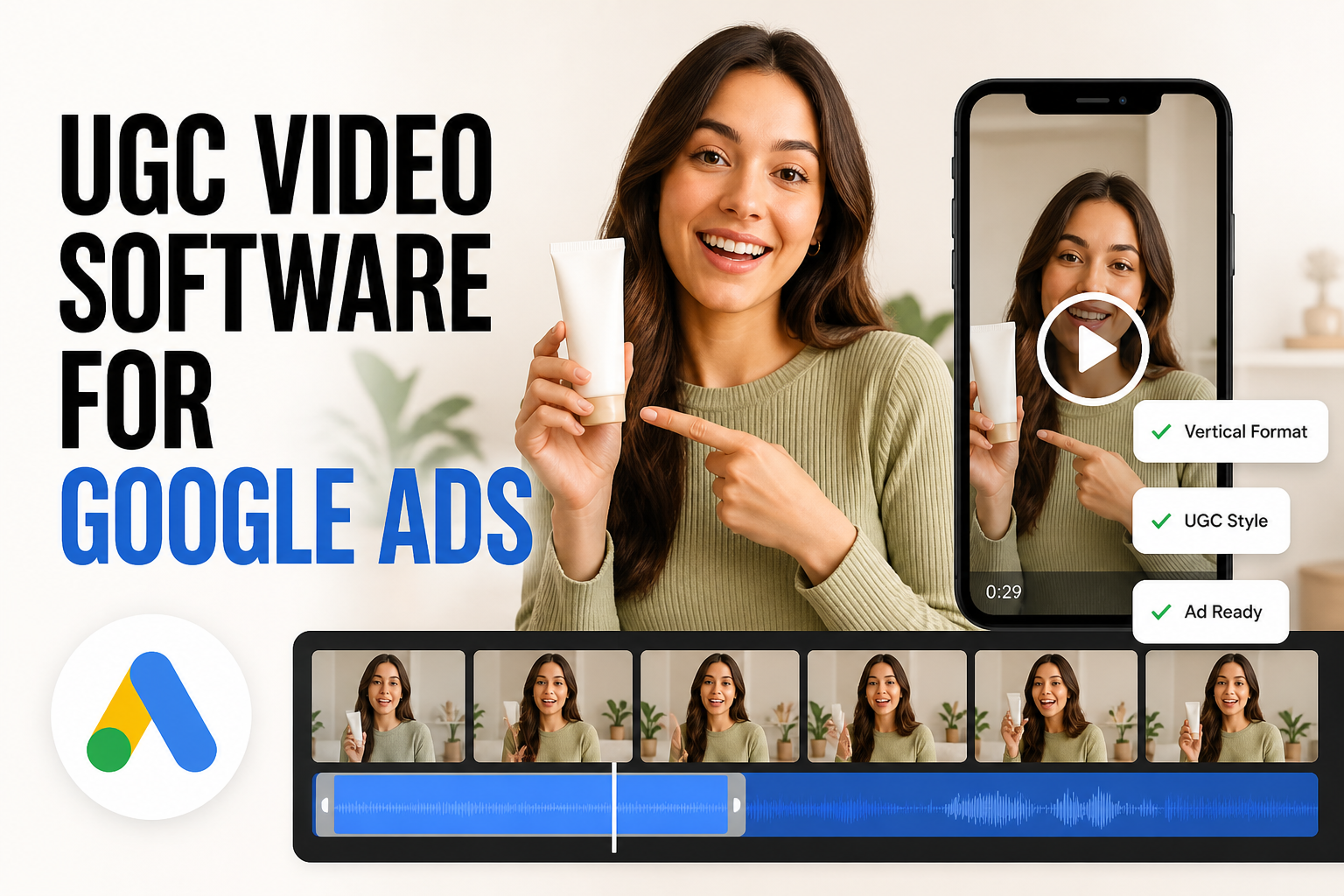
- Clear Value Demonstration: A concise visual payoff showing the product in action, whether highlighted through user-generated content (UGC) styles, dynamic product transformations, or close-up detail highlights.
Auditing Your Starting Assets Before Generating Video
The output quality of an AI video model depends directly on the inputs provided by your creative team. Starting with low-resolution flat-lays or inconsistent studio photos introduces visual artifacts that degrade final ad performance.
E-commerce brands should assemble a standardized creative kit for each SKU before initiating video creation:
- High-Resolution Packshots: Isolated product images captured against clean backgrounds, ensuring labels, typography, and packaging textures remain sharp and legible.
- Lifestyle and Contextual Photography: Images depicting the product in real-world environments, such as a skincare bottle on a marble vanity or an outdoor backpack on a hiking trail.
- Defined Brand Guidelines: Explicit color hex codes, target audience demographics, regional preferences, and key compliance boundaries (such as forbidden medical claims or packaging disclaimers).
Configuring AI Video Generation for E-Commerce Workflows
Executing an effective TikTok ad workflow with Rhinobird centers on matching the platform’s AI video generation interface with your performance marketing brief. Rather than writing open-ended, cinematic prompts that produce unpredictable visuals, marketing teams achieve better consistency by methodically setting parameters.
Within the Rhinobird AI video workspace, you can upload your isolated product photography and configure the generation environment:
- Select Content Style: Choose between a UGC aesthetic (designed to mirror everyday creator content with natural pacing) or a polished Product Display style (focused on clean rotations, studio lighting, and premium visual framing).
- Establish Localization and Format: Set your target country and native language to ensure visual accents and tone match regional audiences. Fix the aspect ratio to vertical 9:16 and select your desired scene duration to match short-form attention spans.
- Input Product Metadata: Provide the exact product name and category. This grounds the AI model in the functional context of what is being marketed, preventing generic or irrelevant visual interpretations.
- Draft Specific Creative Prompts: Use the integrated AI writing assistant to flesh out directional prompts. Instead of instructing the tool to simply make an ad, direct the camera angle, motion dynamics, lighting shifts, and environment transitions around the product.
Refining Visual Details with Natural Language Image Editing
Creative directors rarely ship an initial generation without adjustments. Frequently, background elements clash with seasonal campaign colors, unwanted artifacts appear near fine borders, or packaging details need isolated refinement.
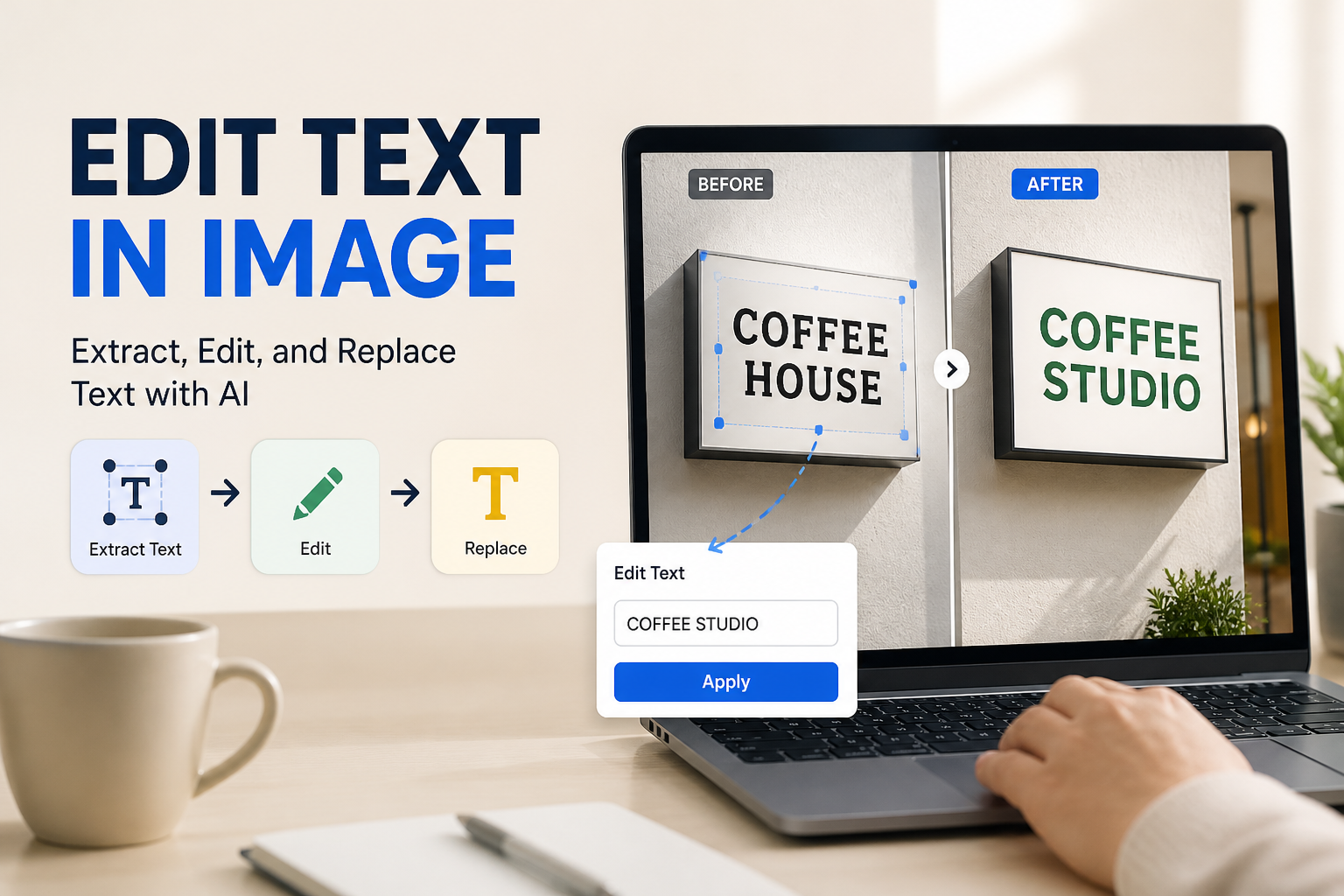
Before assembling your generated video clips into final ad sets, Rhinobird provides natural language image editing tools to prepare base visuals. E-commerce teams can upload source assets and issue conversational commands to:
- Recolor Backgrounds and Accents: Modify setting tones to reflect seasonal promotions, such as shifting a neutral studio backdrop to vibrant summer hues without distorting the product packaging.
- Inpaint and Regenerate Specific Elements: Repaint surrounding contextual props while keeping the core product intact, enabling rapid A/B testing of lifestyle themes.
- Erase Clutter and Distractions: Remove extraneous visual noise, micro-reflections, or competitor-like design elements around the product frame before sequencing assets into video generation.
Structuring a Rapid Creative Iteration Strategy
The true business value of integrating AI into your paid TikTok pipeline is the ability to run multivariate testing without multiplying production overhead. Once a primary product model is established, performance teams can produce multiple visual hooks and style variations in minutes.
Consider establishing a testing matrix where each creative round varies a single core attribute:
- Style Comparison: Test a raw UGC-style demonstration against a high-contrast Product Display render using the exact same packaging copy.
- Hook Variation: Generate three distinct opening two-second motions—such as a dynamic zoom, an unboxing reveal, and an environment shift—while keeping the second half of the ad identical.
- Audience Segmentation: Adjust the model’s target country and language settings within Rhinobird to tailor cultural visual cues across different regional ad accounts.
Accelerating Your TikTok Performance Pipeline
Succeeding with TikTok video advertising requires e-commerce marketers to balance creative authenticity, fast turnaround times, and disciplined budget management. By moving from manual video production to targeted AI-assisted generation, brands can systematically transform static catalog assets into dynamic, vertical ad variations tailored to user behavior. Rhinobird bridges this production gap by combining direct natural-language image adjustments with dedicated e-commerce video workflows—empowering DTC founders and creative marketing teams to generate, refine, and deploy platform-native TikTok ads at scale.