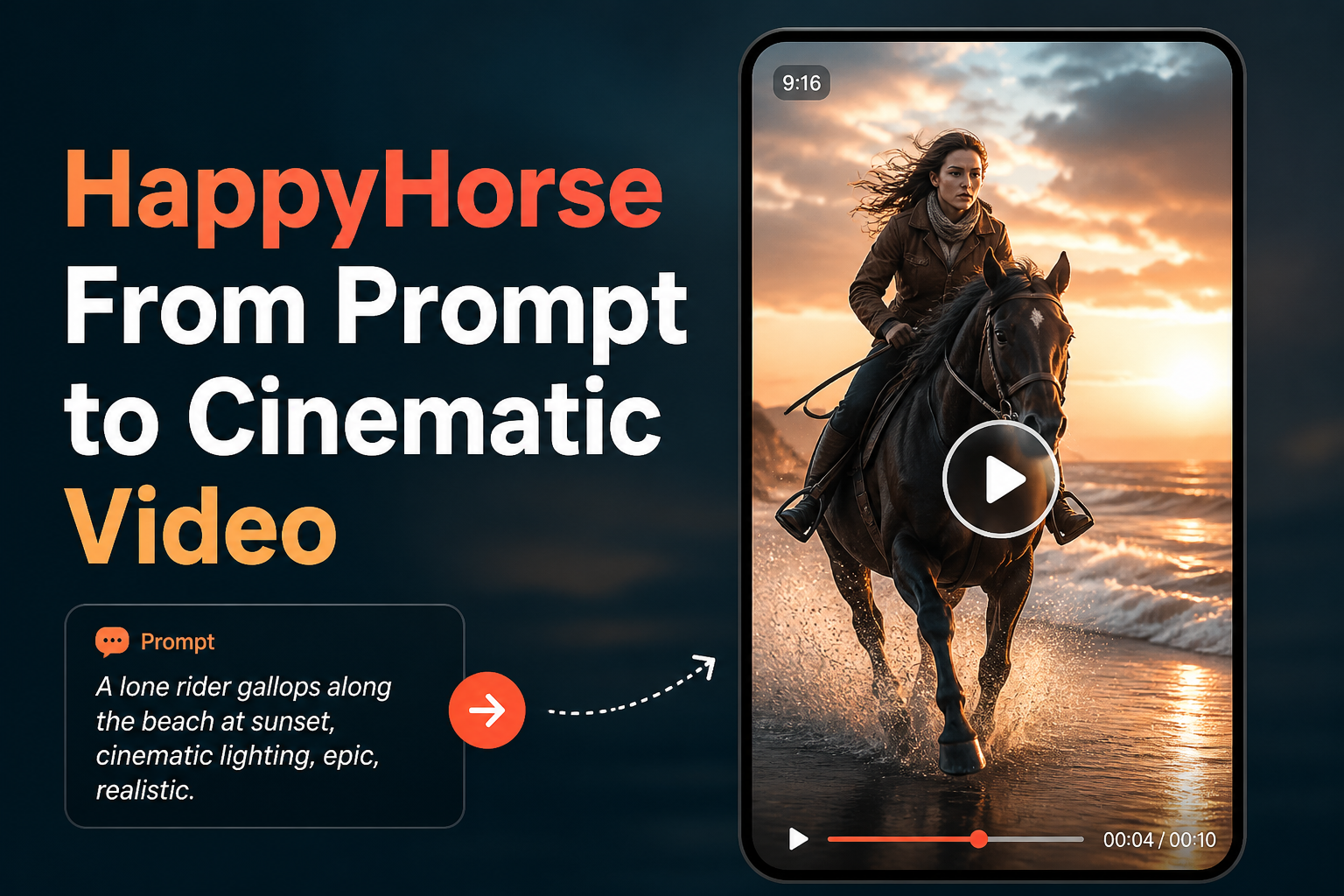
When commercial teams first experiment with modern generative video models like HappyHorse, the initial hurdle rarely stems from model comprehension. Instead, the friction appears when a brief prompt—such as “luxury watch sitting on wet concrete”—yields inconsistent physics, drifting textures, and unstable lighting across consecutive frames. In e-commerce and brand marketing, a video cannot simply be an animated still image; it must command visual rhythm, isolate core product silhouettes, and maintain consistent brand aesthetics throughout the clip.
The Core Anatomy of a Cinematic Video Prompt
Moving beyond basic text descriptions requires decomposing a visual concept into camera behavior, physical interactions, and controlled lighting. Text-to-video engines interpret ambiguous words like “cinematic” or “stunning” inconsistently because they describe subjective quality rather than tangible mechanics. By breaking your input into precise visual parameters, you eliminate random algorithmic interpretations and gain repeatable control over the resulting render.
- Subject and Material Specifics: Define geometry, texture behavior, reflectivity, and physical state rather than generic naming.
- Camera Dynamics: Specify lens type, perspective, focal length, and movement direction (e.g., slow clockwise orbital pan, low-angle tracking).
- Environmental Atmosphere: Detail ambient conditions, air density, dust motes, mist, or atmospheric depth to ground the subject.
- Lighting Architecture: Specify source direction, softness, color temperature, and rim lighting to carve out the object from its backdrop.
- Motion Physics: Clarify the pacing of movement, whether deliberate slow-motion at 60fps or sharp, high-tempo transitions.
Constructing Progressive Prompt Variations
Refining a prompt is an iterative process of adding compositional boundaries. Starting with a single-line concept, observe how each progressive layer introduces explicit constraints that lock down the visual narrative for commercial distribution.
Phase 1: The Raw Concept
Example: “Ceramic coffee mug on a kitchen counter in the morning.”
This input lacks depth, focal guidance, and motion parameters. The engine must guess lighting angle, camera movement, and background clutter, often producing static, stock-photo results with minimal life.
Phase 2: Adding Perspective and Lighting Structure
Example: “Macro close-up shot of a matte terracotta ceramic mug resting on dark slate. Warm sunrise light streaming through horizontal blinds, casting geometric shadows across the steam rising from the surface.”
Here, the scene gains tangible contrast and environmental context. The addition of steam introduces an organic motion vector, giving the model clear physical behavior to simulate.
Phase 3: Directing the Camera and Cinematic Atmosphere
Example: “Slow dynamic push-in shot, 50mm anamorphic lens, shallow depth of field. A matte terracotta ceramic coffee mug sits sharply in focus on coarse slate, delicate wisps of steam curling upward. Warm morning sunlight casts defined linear shadows, subtle lens flare, soft motion blur, rich color grading with deep espresso tones.”
This level of specificity leaves little room for unwanted visual artifacts. The engine understands exactly where the focal plane sits, how the camera travels, and how lighting interacts with the physical surfaces.
Translating Prompt Strategy into Practical Commercial Workflows
While prompt mastery provides creative direction, commercial teams often discover that text prompts alone cannot fully solve brand asset fidelity. A video engine generating imagery entirely from text may invent an entirely new product geometry with every iteration, drifting away from the actual merchandise your brand sells. For real-world catalog drops and social campaigns, text-driven video models function best as atmospheric inspiration, motion references, or stylization benches.
When launching e-commerce campaigns, precision demands anchoring the generation process to verified source images. Once you understand the camera movements and atmospheric lighting that match your campaign, applying those concepts directly to existing product photography prevents product drift. Uploading your clean studio stills, choosing targeted product showcase formats, and defining specific country, language, and regional contexts bridges the gap between theoretical prompting and commercially deployable creative.
Refining Visual Direction for Production Readiness
Mastering cinematic prompts transforms vague creative briefs into dependable, highly structured visual concepts that elevate product storytelling. Successful video campaigns rely on knowing exactly how to articulate lens movement, ambient light, and physical texture to capture audience attention within the first few frames. When moving from conceptual exploration to customer-facing assets, Rhinobird enables marketing teams to upload actual product photography, select targeted product showcase or UGC formats, and apply AI-assisted creative parameters across diverse aspect ratios and runtimes to deliver cohesive, brand-accurate visuals.