
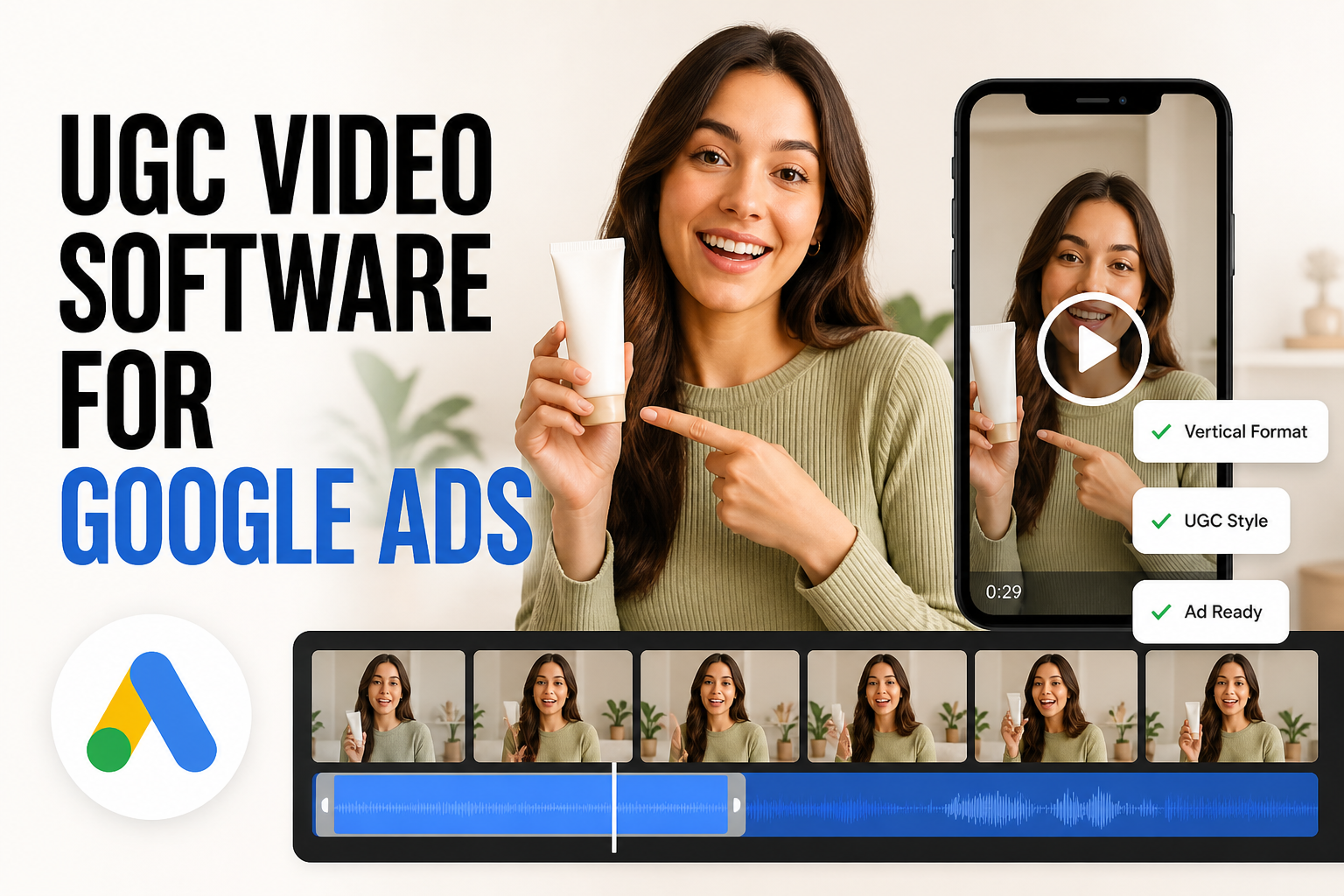
Running user-generated content (UGC) in Google Ads introduces structural challenges that do not exist on TikTok or Meta. While vertical short-form placements thrive on lo-fi, fast-paced creator reels, Google Performance Max and YouTube demand multi-aspect ratios, distinct pacing for skip windows, and strict asset variety. A direct selfie recording that stops the scroll in an Instagram feed often fails when scaled to horizontal YouTube placements or dynamic responsive display slots. Choosing the right UGC video software requires balancing creator management, post-production editing, and AI-driven creative generation against these specific technical requirements.
What Google Ads Requires from UGC Video Assets
Before evaluating software platforms, media buyers and creative strategists must account for how Google systems distribute video inventory. Unlike platforms built entirely around vertical feeds, Google campaigns mandate technical versatility and immediate clarity:
- Multi-Format Adaptability: Performance Max requires square (1:1), horizontal (16:9), and vertical (9:16) video cuts to unlock maximum ad inventory across YouTube, Search, Discover, and the Google Display Network. Platforms that output only vertical clips force manual re-editing.
- The First 5 Seconds: YouTube skippable in-stream formats give viewers the option to skip after five seconds. UGC creatives must establish the problem, showcase the product clearly, and present a readable brand hook within that initial window, rather than relying on drawn-out narrative buildup.
- Visual Quality and Legibility: Raw UGC often suffers from low lighting or muffled audio. When scaled across high-definition television screens via YouTube or compressed within smaller display banners, captions, on-screen text overlays, and product packaging must remain razor-sharp.
- Volume and Iteration Velocity: Google asset groups reward creative variety. Relying on a single winning hook leads quickly to creative fatigue, meaning teams need continuous variations of intros, calls to action, and visual angles.
5 Leading UGC Video Platforms for Google Ads Creative Teams
Different campaign structures require different software stacks. The following five platforms address specific stages of the UGC pipeline, ranging from creator marketplace sourcing to rapid AI generation and batch post-production.
1. Billo: High-Volume Creator Sourcing for Physical Products
Billo connects e-commerce brands directly with vetted US creators to produce custom video footage based on structured briefs. For Google Ads, its primary value lies in sourcing raw, authentic product demonstrations and testimonial clips.
- Core Workflow: Brands submit creative briefs specifying required actions, ship products to assigned creators, and receive processed video deliverables.
- Google Ads Fit: Ideal for securing genuine physical unboxings, skin applications, and visual proof. However, briefs must explicitly request horizontal framing or raw 4K source footage so internal editors can reformat the content for YouTube 16:9 placements.
- Limitations: Turnaround depends on shipping times and creator delivery schedules, making rapid creative iteration during active sale periods challenging.
2. Rhinobird: AI-Powered UGC and Visual Generation from Product Stills
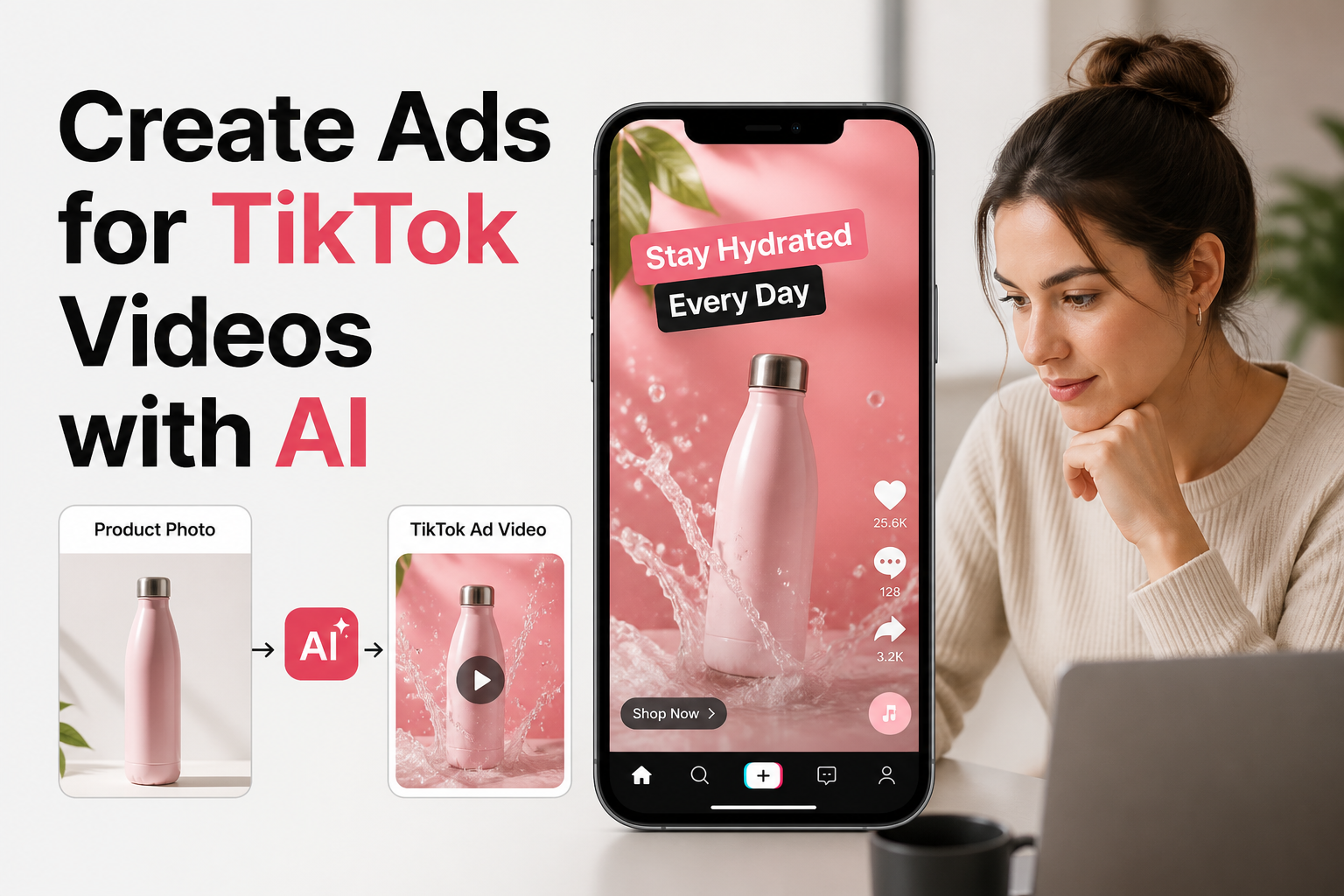
Rhinobird approaches UGC creative production from an asset-first, AI-driven framework. Built for e-commerce sellers, DTC operators, and product marketing teams, it allows advertisers to generate video creative directly from product imagery without physical filming.
- Core Workflow: Teams upload clean product photography, select target creative styles such as UGC or product showcase, and specify campaign variables including target language, geographic market, video dimensions, and duration. Built-in AI writing assistance helps refine product claims and prompt instructions before generating the asset.
- Google Ads Fit: Solves the multi-aspect ratio challenge of Performance Max by allowing teams to configure specific video dimensions upfront. It eliminates the logistical bottlenecks of physical product shipping, creator ghosting, and physical studio setups, enabling rapid testing of product angles and hooks.
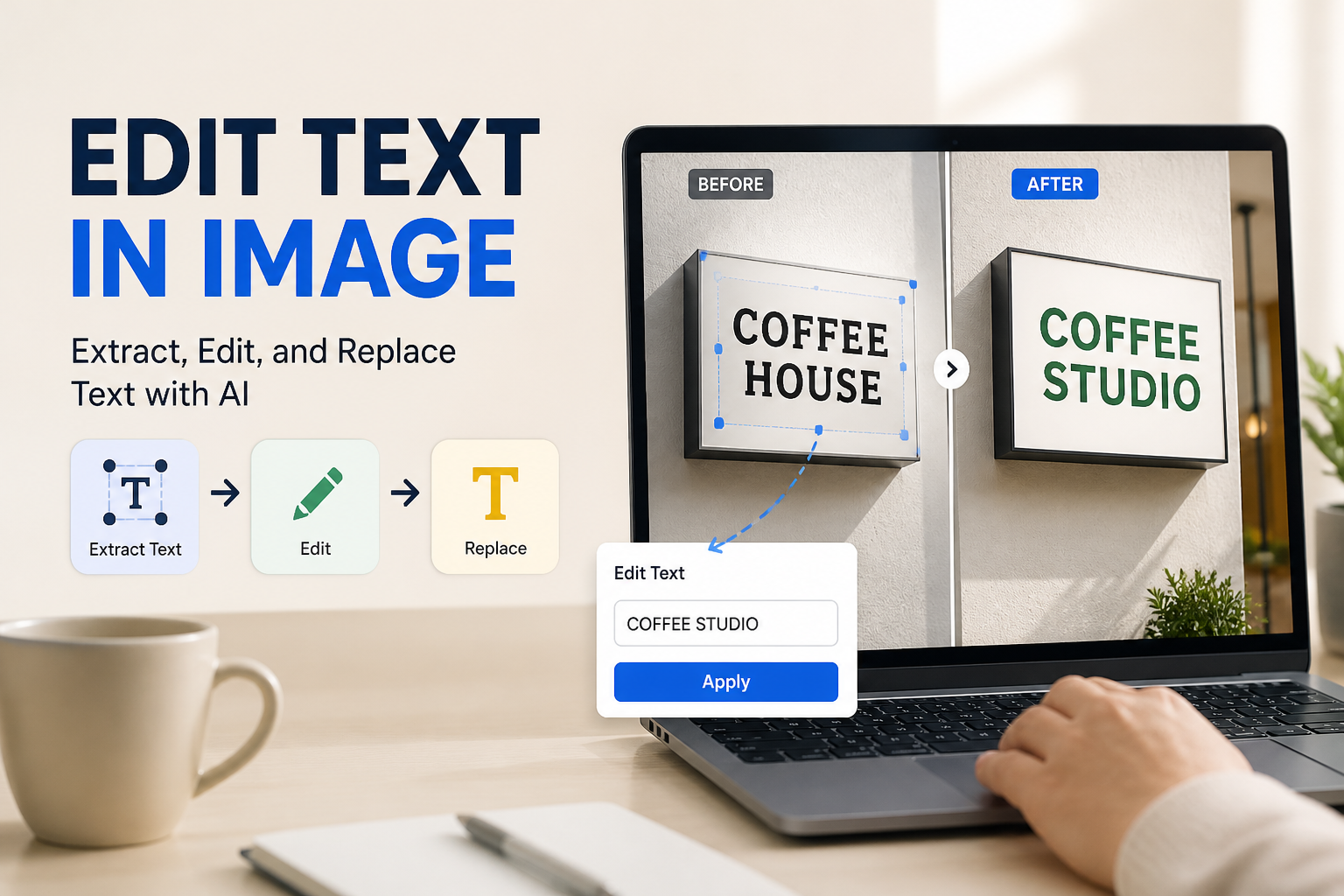
- Complementary Visual Editing: Beyond video generation, Rhinobird provides natural-language image editing for background changes, recoloring, and object removal. This ensures supporting product images used in Performance Max asset groups maintain visual parity with the video assets.
3. CapCut for Business: Fast Multi-Ratio Post-Production and Templates
CapCut for Business provides editing infrastructure designed specifically for social-style and creator video formats, offering robust timeline manipulation and direct template application.
- Core Workflow: Video editors import existing creator footage to apply automated dynamic captions, audio enhancements, background removal, and commercial music tracks.
- Google Ads Fit: Excellent for converting vertical 9:16 creator footage into split-screen or framed 1:1 and 16:9 cuts suited for YouTube and responsive display environments. The automated captioning system ensures message retention even when users browse with audio disabled.
- Limitations: It remains a manual post-production tool. It does not source creators, automate creative concept ideation, or generate net-new product visuals from static assets.
4. Insense: Creator Discovery with Direct Spark and Brand Rights
Insense combines influencer marketing infrastructure with paid ad creative management, allowing brands to source UGC specifically intended for commercial usage.
- Core Workflow: Marketers filter creator databases by audience demographics, handle contracting, review raw footage, and secure commercial licensing rights within a centralized platform.
- Google Ads Fit: Securing comprehensive commercial rights is critical when deploying creator content into long-running YouTube campaigns or programmatic display networks. Insense streamlines usage agreements to prevent copyright interruptions.
- Limitations: Higher software overhead and creator fees make it better suited for brands with dedicated influencer management budgets rather than lean media buyers testing quick ad hooks.
5. Creatopy: Creative Automation and Batch Video Resizing
Creatopy focuses on automated creative production, empowering enterprise marketing teams to produce, resize, and localize display and video ads at scale.
- Core Workflow: Designers build master video templates with dynamic text and video slots, then use automated feeds to generate dozens of sizing variations simultaneously.
- Google Ads Fit: Highly effective for large-scale Performance Max setups where dozens of asset groups need consistent branding, end cards, and promotional banners across every supported Google aspect ratio.
- Limitations: It is an asset adaptation engine rather than a UGC generator; brands must supply all raw footage and creator assets before automation can begin.
Core Comparison: Feature Alignment Across Platforms
| Platform | Primary Mechanism | Multi-Aspect Ratio Support | Asset Sourcing Model | Best Operational Role |
|---|---|---|---|---|
| Billo | Creator Marketplace | Variable (Brief-dependent) | Physical product seeding | Acquiring raw physical product reviews |
| Rhinobird | AI Creative Generation | Configurable by dimension | Static product images & text inputs | Rapid UGC testing without creator logistics |
| CapCut for Business | Timeline Video Editor | Manual / Template resizing | User-uploaded media | Post-production, captioning, and hook editing |
| Insense | Creator Management Platform | Variable (Brief-dependent) | Direct creator contracting | Managing commercial rights and influencer assets |
| Creatopy | Creative Automation Engine | Automated batch resizing | User-uploaded brand assets | Scaling multi-format asset groups for PMax |
How to Choose the Right Solution for Your Campaign Workflow
Selecting the most effective software depends directly on where your ad operations experience friction. Teams must evaluate their existing creative pipeline against their campaign objectives:
- When Physical Proof Is Mandatory: If your product requires sensory validation that can only be shown through human skin contact, complex hardware assembly, or direct taste reactions, creator marketplaces like Billo or Insense provide essential real-world authenticity. Ensure your creative briefs mandate both horizontal and vertical orientations.
- When Velocity and Format Diversity Are the Bottleneck: If your team struggles to supply enough fresh assets for Performance Max asset groups, AI visual generation through Rhinobird removes creator coordination entirely. Uploading static e-commerce catalog photography to produce targeted UGC clips across required dimensions allows marketers to identify winning messaging angles before committing to expensive production runs.
- When Post-Production Slows Down Delivery: If you already have dozens of raw creator clips sitting on hard drives, specialized editors like CapCut for Business or scaling engines like Creatopy help extract horizontal cutdowns, add high-contrast subtitles, and standardize brand end cards for YouTube compliance.
Scaling Google Ads UGC with Agile Creative Pipelines
Building high-performing Google Ads campaigns requires a deliberate shift away from platform-exclusive video habits toward adaptable, multi-format asset libraries. By combining authentic human perspective with systematic post-production and AI-powered production tools like Rhinobird, brands can generate targeted product showcases, test diverse regional hooks, and maintain visual consistency across every Google placement without ballooning production overhead.