
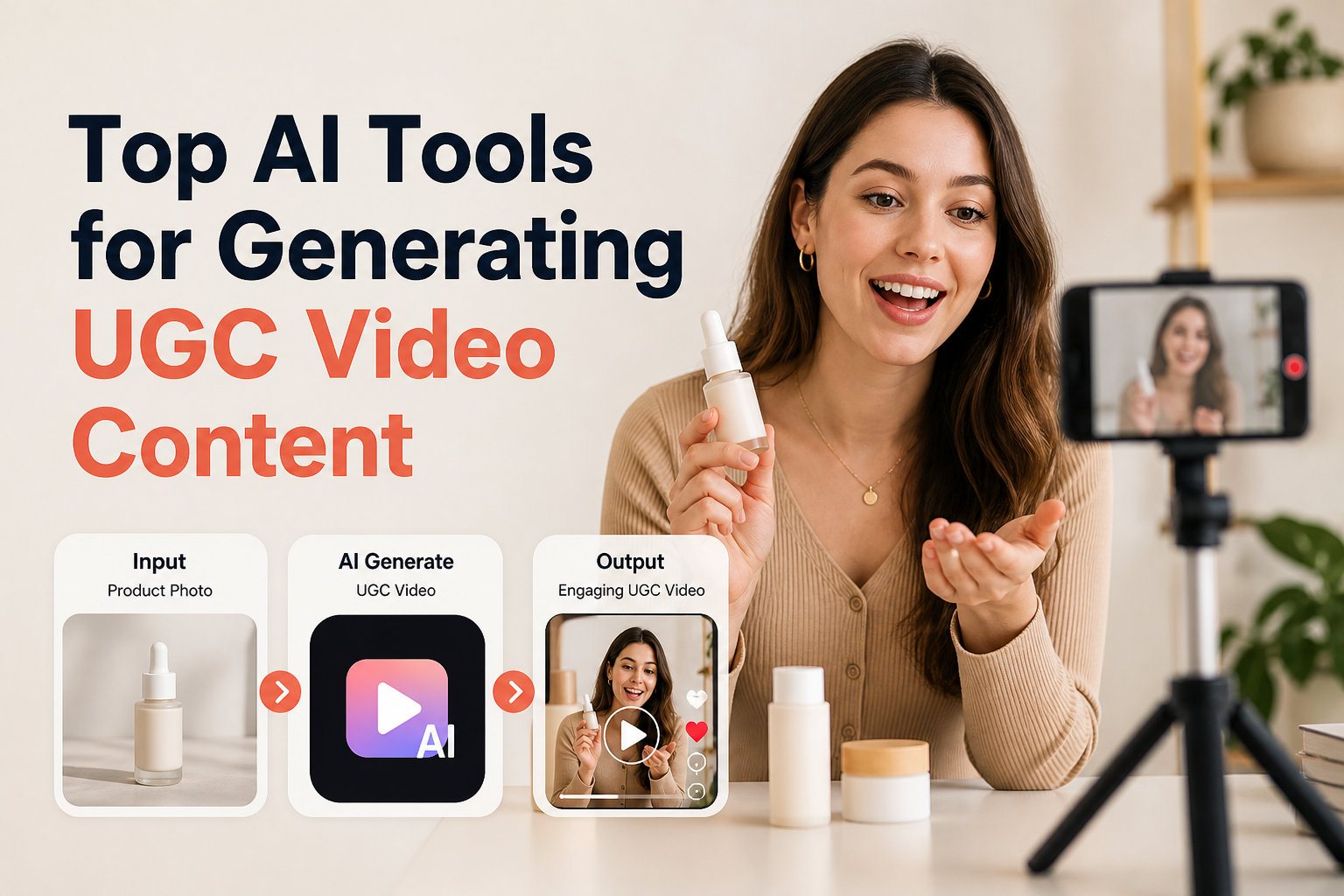
Performance marketers and e-commerce teams preparing creative refreshes for paid social often run into the same production bottleneck: scaling user-generated content (UGC) without spending weeks coordinating creator outreach, sample logistics, and script revisions. When the objective is to test multiple hooks, localize product demos across global regions, or deploy authentic-feeling testimonial ads on TikTok and Meta, AI-powered generation tools provide a viable path to faster iteration.
However, “AI UGC” covers very different production models. Some tools center on talking-head avatars delivering promotional scripts, while others focus on rendering physical consumer goods directly into interactive, video-first environments. Choosing the right platform depends on your existing creative assets, the level of product fidelity required, and where the content sits in your conversion funnel.
The Core Architectural Difference in AI UGC Workflows
Before evaluating specific platforms, creative strategists need to separate two primary software categories: avatar-led narrative engines and product-first video generation pipelines.
Avatar-led tools rely on synthetic human presenters or digital twins speaking directly to the camera. They excel at problem-and-solution hooks, scripted product endorsements, and software demonstrations where the value proposition is conveyed through speech and pacing. Their main constraint lies in handling physical goods; synthetic avatars cannot reliably demonstrate tactile product interactions, such as applying a cosmetic cream or holding an unboxing package, without noticeable clipping or physics distortions.
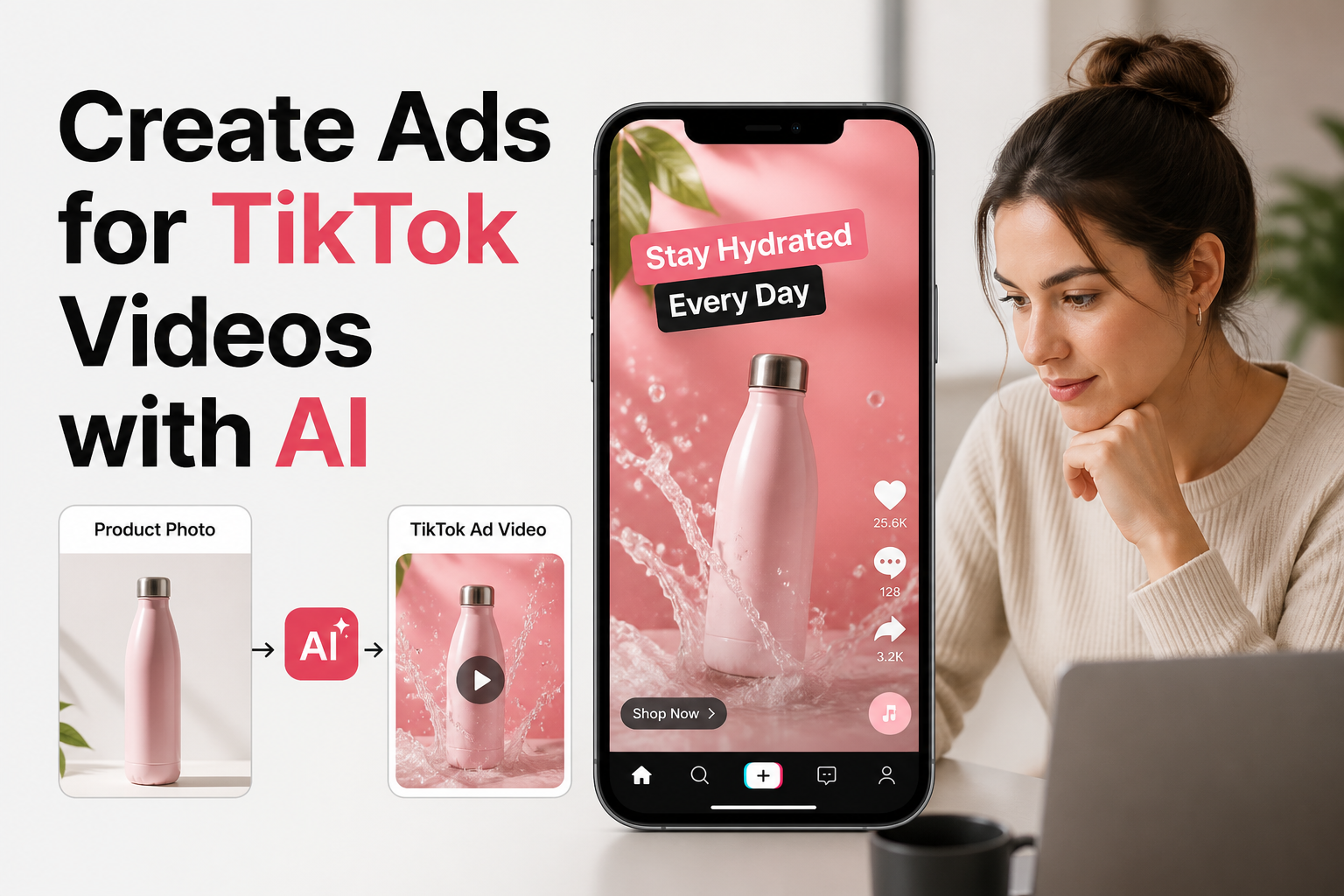
Product-first workflows approach generation from the item itself. Starting with studio or packshot images, these platforms generate dynamic video scenes that preserve packaging details, labels, and branding while placing the product into domestic, outdoor, or unboxing environments. For physical DTC products, this distinction determines whether your generated asset resembles a believable social showcase or a generic green-screen pitch.
Four AI Tools for UGC Video Generation Compared
The following tools represent distinct, verified approaches to generating social-style UGC video assets, selected based on their operational models for e-commerce and marketing teams.
1. Arcads: AI Actor Generation for Paid Ad Iteration
Arcads is designed specifically for performance marketers running paid social campaigns. Users select from a library of pre-recorded human actors, input a direct-response script, and generate vertical talking-head videos designed to match the framing, lighting, and vocal cadence of native TikTok or Reels creators.
- Input requirements: Text script and selected digital actor.
- Strengths: Strong delivery of direct-to-camera hooks; allows rapid variation testing of value propositions and offer announcements without scheduling voice recording.
- Production boundaries: Does not physically handle your product. Product imagery must be composited via split-screen editing or overlaid during post-production.
2. Creatify: Automated URL-to-Video Ad Creation
Creatify focuses on automating early-stage ad production for catalog-driven businesses. By ingesting a public product link from platforms like Shopify or Amazon, the tool extracts existing imagery, descriptions, and feature lists to generate finished video variations featuring synthetic voiceovers and avatar overlays.
- Input requirements: Product page URL, uploaded still assets, and narrative prompts.
- Strengths: High operational speed for teams needing to build batches of top-of-funnel concept variations with minimal manual asset assembly.
- Production boundaries: Visual pacing often follows automated templates, requiring manual timeline tuning if your brand relies on unconventional framing or strict brand guidelines.
3. HeyGen: Scripted Avatars and Global Translation
HeyGen offers high-fidelity digital avatars, custom personal twins, and integrated multi-language voice cloning. In UGC settings, it is primarily deployed for influencer-style monologues, customer testimonial simulations, and international marketing where one base video must be adapted across different geographic markets.
- Input requirements: Script, custom audio track, or webcam recording for custom avatar training.
- Strengths: Industry-leading lip synchronization and natural speech inflection across dozens of languages; ideal for talking-head explanations.
- Production boundaries: Highly effective for educational and founder-story creative, but cannot autonomously generate contextual b-roll showing your physical packaging in natural daily use.
4. Rhinobird: Product-Centric AI Video Generation
Rhinobird approaches UGC from the product asset rather than a generic human face. Built for e-commerce sellers, DTC operators, and packaging designers, Rhinobird allows users to upload high-resolution product photography, define target markets, and generate contextual video assets configured specifically for social feeds.
- Input requirements: Product imagery, product name, retail category, and prompt-driven creative briefs, supported by integrated AI scriptwriting.
- Strengths: Directly bridges the gap between static product packaging and realistic video environments. Marketers can select “UGC” or “Product Showcase” modes, designate aspect ratios for vertical feeds, and customize target country, language, model engine, and video duration.
- Production boundaries: Focuses on rendering realistic product presentation and surrounding environmental action rather than operating as an interactive full-body conversational avatar studio.
Key Evaluation Criteria for DTC and E-Commerce Brands
To determine which engine fits your upcoming creative cycle, evaluate platforms against four structural operational criteria:
| Evaluation Dimension | Avatar-First Platforms | Product-First Platforms |
|---|---|---|
| Primary Input Asset | Written script and selected presenter profile | Packshots, clean product stills, and styling brief |
| Brand Integrity Risk | Presenter mannerisms may feel unnatural or mismatched | Complex packaging typography or textures may soften during motion |
| Localization Mechanism | Voice-cloning and automatic lip-sync adjustments | Setting country, language, and regional environmental context |
| Best Campaign Placement | Direct-response hook testing, founder ads, review recaps | Native product demonstrations, aesthetic b-roll, feed unboxings |
Structuring an Efficient Hybrid UGC Production Pipeline
High-converting paid social campaigns rarely rely on a single unbroken piece of AI footage. The most effective marketing teams combine multiple dedicated engines into a unified production pipeline:
- Define the hook and visual hierarchy: Determine whether the ad opening requires an authentic spoken testimonial (avatar-driven) or an immediate close-up demonstration of the product packaging in use (product-driven).
- Generate modular visual components: Produce script-driven talking segments using an avatar tool like Arcads or HeyGen, while simultaneously rendering contextual product motion and realistic environmental b-roll through Rhinobird using your verified studio stills.
- Integrate during post-assembly: Splice the generated talking-head hook with the product-in-action cuts, layering native platform typography, dynamic captions, and background audio inside standard editing suites.
- Test regional variations: Utilize regional parameters—such as Rhinobird’s country and language settings—alongside translated audio tracks to test the same base campaign structure across varied international markets without booking separate local shoots.
Selecting the Right Engine for Your Growth Strategy
Scaling UGC performance creative requires aligning your software choice with the precise asset gaps in your current creative library. When ad campaigns stall due to a lack of convincing on-camera spokespeople, dedicated avatar generators like HeyGen and Arcads offer the fastest route to scripted direct-response testing. However, when the bottleneck is transforming static catalog photos into natural, vertical social video that keeps packaging and brand identity at the center, Rhinobird provides the dedicated product AI video pipeline needed to produce high-impact, market-ready UGC assets directly from your existing product photography.